Web Design | HTML Basics | Intro to Web Coding with Slideshow and Sample Website
$9.00
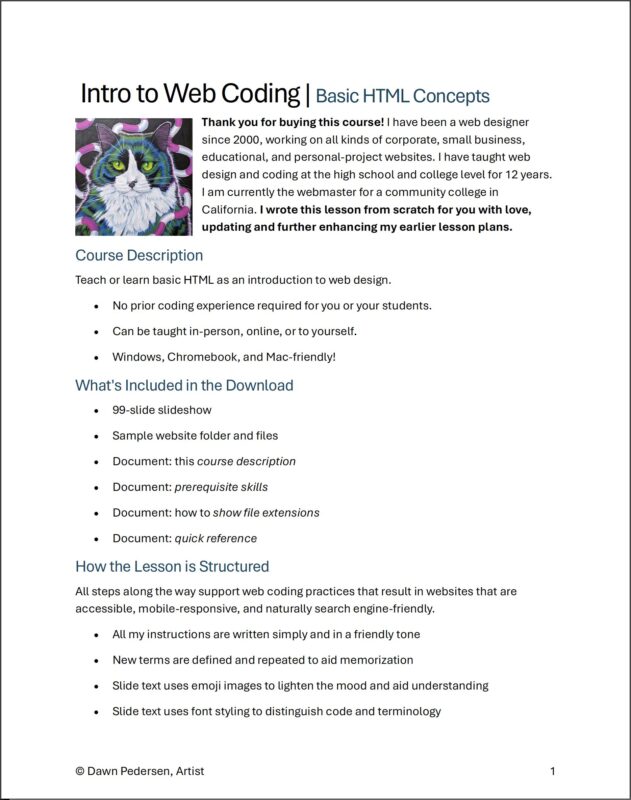
Teach or learn basic HTML as an introduction to web design.
- No prior coding experience required for you or your students.
- Can be taught in-person, online, or to yourself.
- Windows, Chromebook, and Mac-friendly!
What’s Included in the Download
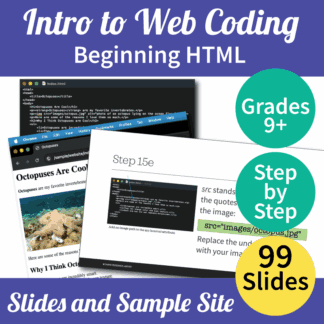
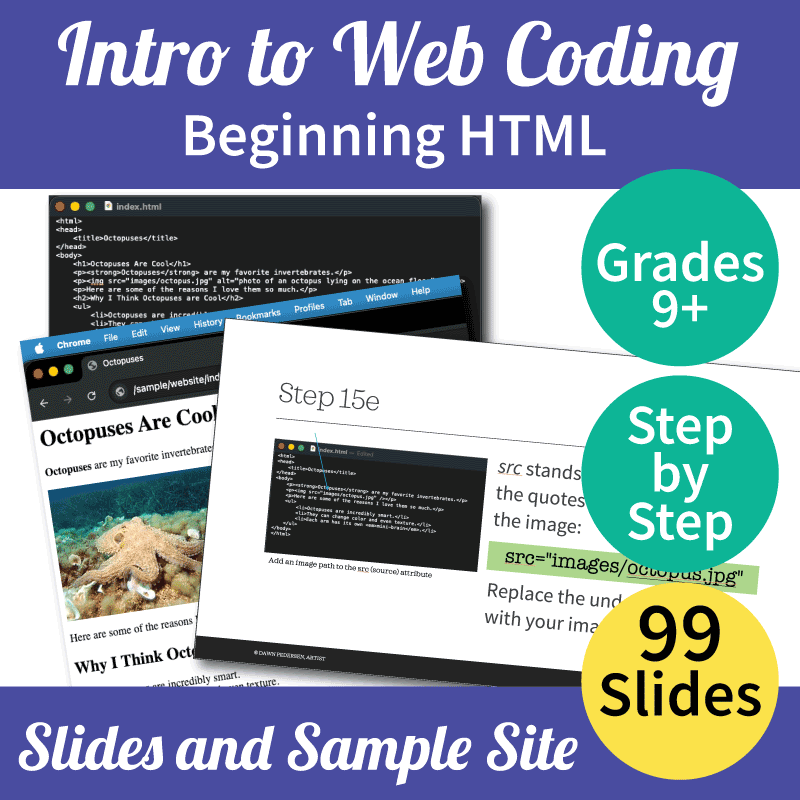
- 99-slide slideshow
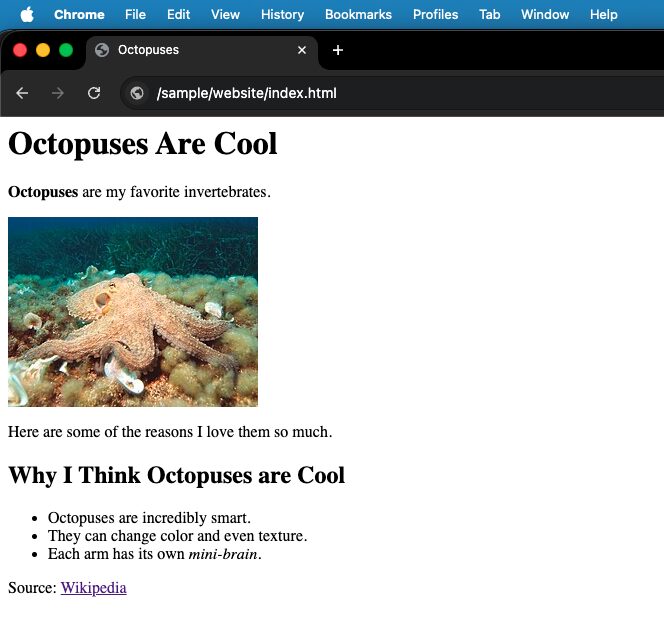
- Sample website folder and files
- Document: course description
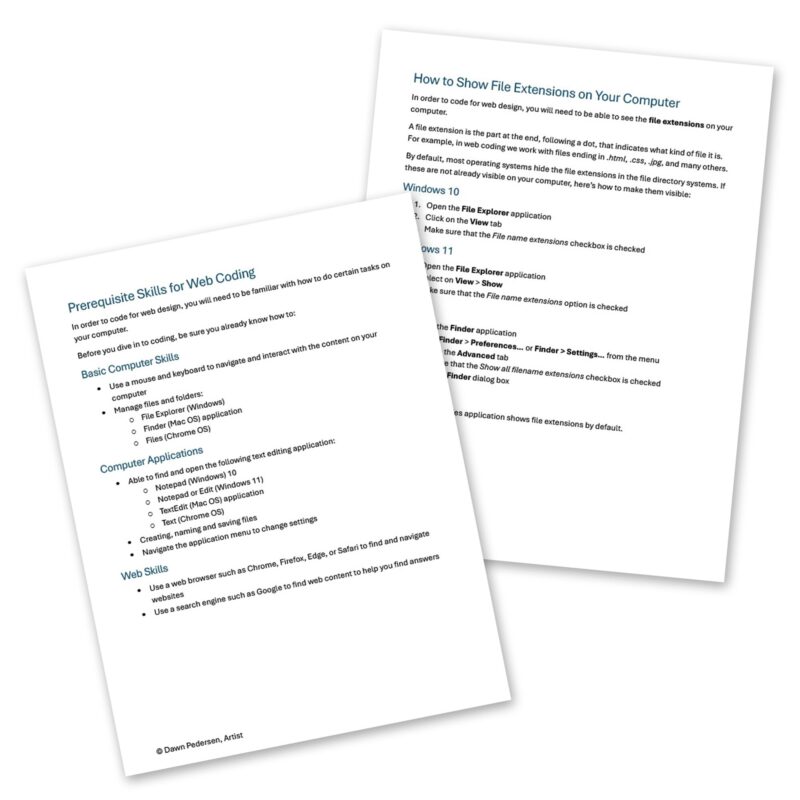
- Document: prerequisite skills
- Document: how to show file extensions
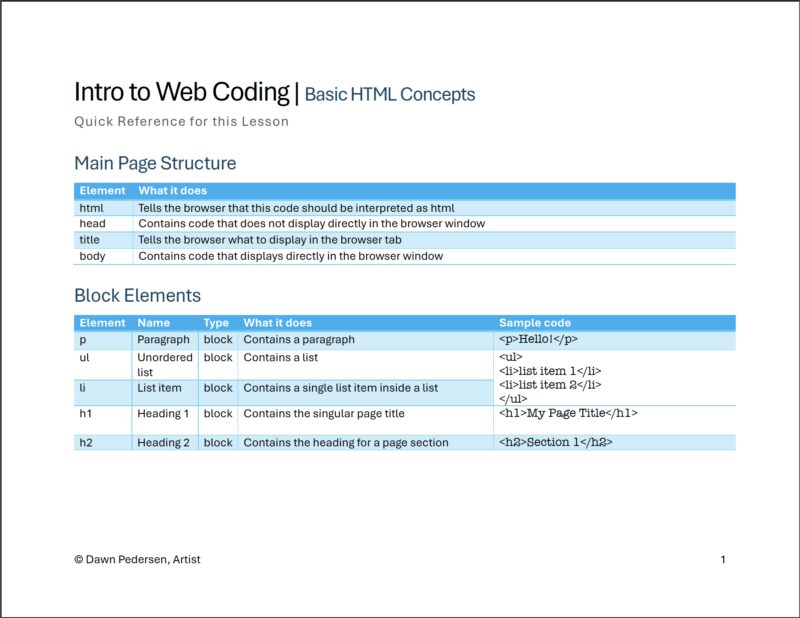
- Document: quick reference
How the Lesson is Structured
All steps along the way support web coding practices that result in websites that are accessible, mobile-responsive, and naturally search engine-friendly.
- All my instructions are written simply and in a friendly tone
- New terms are defined and repeated to aid memorization
- Slide text uses emoji images to lighten the mood and aid understanding
- Slide text uses font styling to distinguish code and terminology
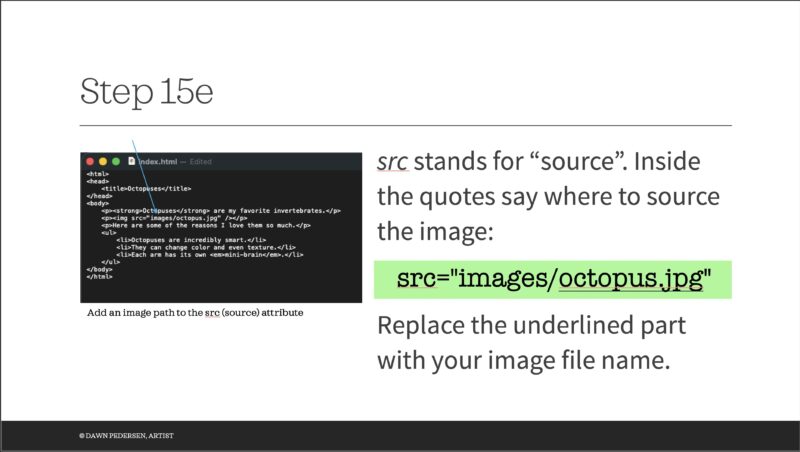
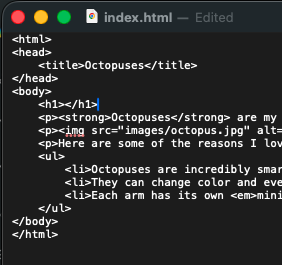
- Code samples are given both on the slides and in screenshots with arrows
- Each step is saved and tested, with expectations outlined
- Best practices are introduced to improve student success in the classroom and in real-world projects
- The lesson can be broken up into separate class sessions
- Students will complete the lesson with a short, unique web page on a topic of interest to them
- Slides included at the end:
- Breakdown of what was accomplished
- Quick reference of the HTML elements used and their features
Student Learning Outcomes (SLOs)
By the end of the lesson, students will have:
- Created an html file
- Organized a website folder
- Tested their code in a web browser
- Coded a page title inside a page head
- Coded paragraphs inside a page body with p
- Strongly emphasized some text with strong
- Coded a list with ul and li
- Indented their nested block elements
- Emphasized some text with em
- Learned the difference between block and inline elements
- Inserted an image on a web page with img
- Made the image accessible using an alt attribute
- Organized the page with h1 and h2
- Coded a link using a and opened it in a new tab
More web design lessons to come in the future!
Dawn’s Background
I have been a web designer since 2000, working on all kinds of corporate, small business, educational, and personal-project websites. I have taught web design and coding at the high school and college level for 12 years. I am currently the webmaster for a community college in California. I wrote this lesson from scratch for you with love, updating and further enhancing my earlier lesson plans.
© Dawn Pedersen, Artist. Human-made and student-tested.